Family Playbooks & Practical Guides

Mastering Family Life with Fambee

Practical scenario guides and cognitive strategies to relieve mental overload, automate kitchen logistics, gamify chore routines, and preserve private family memories.

Guide #1 • Cognitive Relief & Mental Load

How Fambee Helps Forgetful People & Relieves Mental Overload

For anyone who constantly misplaces notes, forgets soccer gear on Tuesday mornings, or double-buys ingredients at the grocery store, Fambee works less like a "to-do list" and more like an external family brain.

Smart Add AI Assistant

4 Ways Fambee Eliminates Short-Term Memory Gaps

1

Offloading Mental Friction via Voice & Smart Add AI

Forgetful people often abandon productivity apps because manual entry requires too many clicks. With Fambee's floating Smart Add AI, you simply tap one button and dictate or type: "Remind me to buy eggs on Friday and pick up soccer boots at 4pm." Fambee parses the request automatically and routes items straight to the grocery list and calendar.

2

Location-Aware Supermarket Reminders

Standard phone notifications are easy to dismiss and forget 30 seconds later. Fambee triggers geofenced alerts when you drive near your local grocery store, opening your active shopping list right when you step out of the car.

3

The Closed-Loop Kitchen Strategy

Never waste money on duplicate items again. Checking groceries off at checkout automatically injects them into your digital pantry stock. Scheduling a meal plan cross-references your current pantry and alerts you to missing items before you start cooking.

4

Shared Visibility (Outsourcing Memory)

Stop being the sole "household administrator". Updates made by any family member sync instantly across everyone's phones, so partner and kids stay on the exact same page.

💡 Preventing Feature Overload (The "Bite-Sized" Strategy): Don't try to set up everything on day one! Start with Week 1: Shared Grocery List, move to Week 2: Web Recipe Extraction, and bring in Week 3: Chores & Calendar Sync.

Guide #2 • Kitchen & Groceries

Mastering the Kitchen: From Pantry Stocking to Automated Shopping

Managing domestic life often feels like running a restaurant without a manager. Fambee cures domestic chaos by connecting your recipe box, pantry inventory, and grocery lists into a single continuous loop.

Kitchen and Meal Planning
1

Setting Up Your Household Ecosystem

Establish your Household Circle in Account Settings and invite family members using a 6-character code or 1-tap WhatsApp/SMS link. For extended relatives or co-parents, link them via Family Bridge for shared visibility without compromising private grocery notes.

2

Smart Barcode & Voice Stocktaking

Scan product barcodes with your phone camera or snap receipts to auto-populate items. Use Smart Add voice command: "Add olive oil, 2kg basmati rice, and rolled oats to the Pantry."

3

AI Recipe Extraction & Drag-and-Drop Meal Planning

Paste web links from recipe blogs or snap handwritten recipe cards. Fambee extracts ingredient lists and step-by-step instructions into your digital cookbook. Drag recipes directly into your weekly planner to automatically flag missing ingredients.

4

Synchronised Grocery Shopping

Items are grouped automatically by supermarket aisle (Produce, Dairy, Spices). As you check off items at checkout, Fambee automatically injects them back into your digital pantry stock!

Guide #3 • Chores & Planner

Ending Household Friction: Gamified Chores & Unified Planning

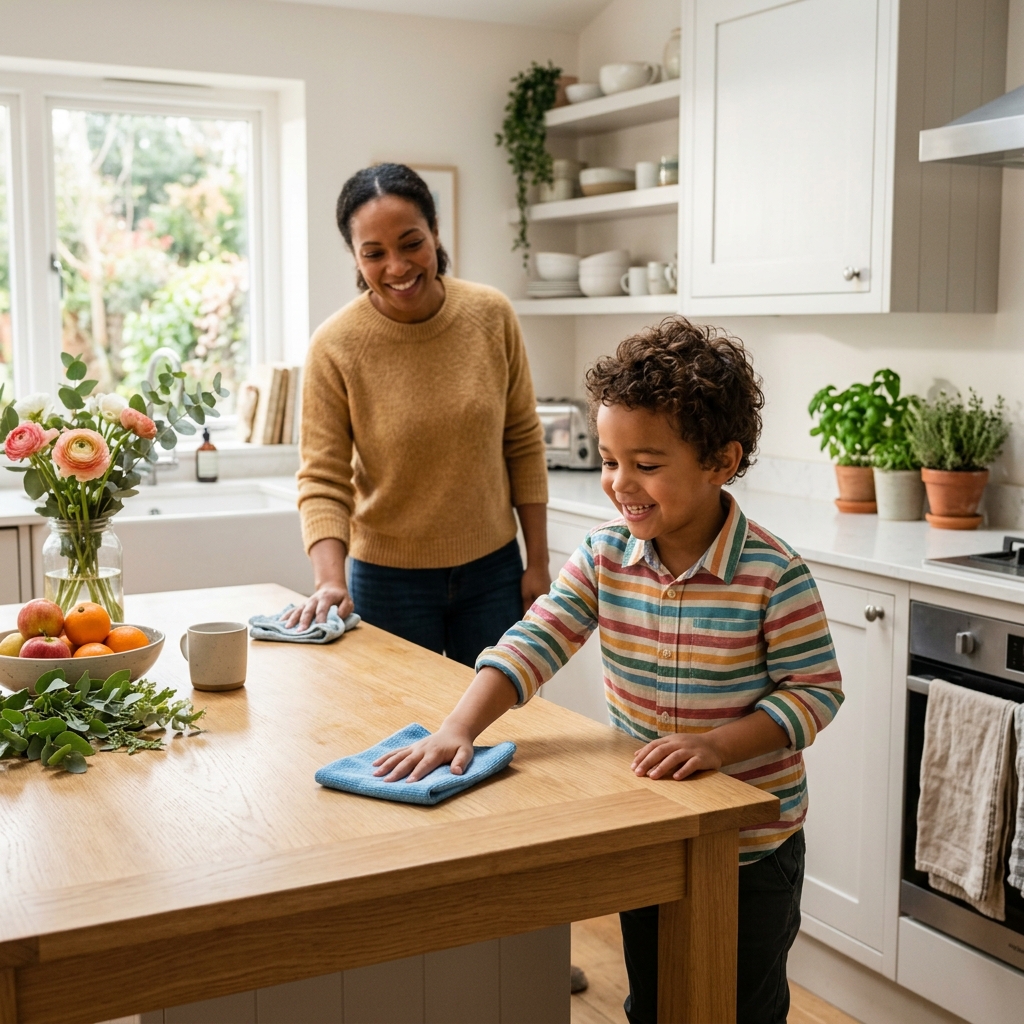
The mental load of managing sports practice, doctor appointments, and recurring chores often falls disproportionately on one parent. Fambee combines a high-contrast multi-person calendar with gamified chore automation.

Gamified Family Chores

Solving Household Chore Friction

Chore Feature How It Solves Friction Family Impact
Round-Robin Rotations Automates chore swaps so kids don't argue over who took out bins last week. Fairness guaranteed by code.
Cooperative Chore Splits Splits point rewards proportionally when siblings clean the playroom together. Encourages teamwork.
Chores TV Blast Hub Casts cleaning timers, leaderboards, and background music directly to your Smart TV. Turns chores into an interactive family game.

🏆 Pro Tip: Set up custom point rewards in Fambee (e.g., 50 points = 30 minutes of console game time, or choosing Friday pizza toppings). Kids mark tasks complete on their phone or tablet, earn streak multipliers, and redeem rewards independently!

Guide #4 • Private Journal & Family Bridge

Preserving Family Moments: Private Journal & Family Bridge

In an era of privacy concerns on social media platforms, parents are increasingly reluctant to post photos of their children online. Fambee provides a completely private, encrypted digital hearth for your family's precious moments.

Private Family Photo Journal
1

A Secure Digital Scrapbook

Post photo updates, write journal entries, and track mood trends across the household. Kids can draw directly on journal entries using built-in Doodle Canvas tools before posting.

2

Time Capsule Flashbacks

Fambee automatically resurfaces posts from previous years on the exact same date. Spark joyful dinner table conversations with memory flashbacks from past holidays and school days.

3

Connecting Grandparents via Family Bridge

Grandparents love seeing photos, but don't need access to your weekly grocery lists or chore schedules. Connect extended family through a secure 6-digit link for view-only access to Memories and Calendar events.

Bring harmony to your household today.

Register your family circle, link schedules, and simplify your home life. Fambee is free to use while in Early Access.